For the best experience, open in Safari: tap Share, then “Open in Safari”.

9:41

Hearing aids disconnected

Make sure your hearing aids are on and nearby

Aurio Smart

Left75%
Right90%
Not Connected
Smart Program
Smart Program Auto-switches by environment
Manual
Quiet
Outdoors
Conversation

Volume

10
Volume Level
Good for quiet places
Left
9
Right
9

Aurio Smart

Left75%
Right90%
Not Connected
Smart Program
Smart Program Auto-switches by environment
Manual
Quiet
Outdoors
Conversation

Voice Focus

Smart Noise Reduction

Active Noise Cancellation

Off

Other Noise Management

Sudden Noise
Wind Noise
Feedback

Aurio Smart

Left75%
Right90%
Not Connected
Standby — no media detected Standby

Tone

+0 +0 +0
LowMidHigh

Transparency

Compensation

MinMax

Transparency

Programs

Coming soon
Aurio

Get your aids ready

Aurio Smart

Press and hold the temple button until the light pulses.

Aurio
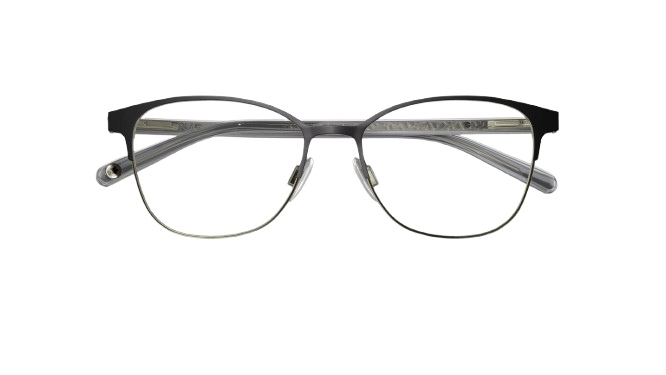
Aurio Smart glasses

Hearing aids
hidden in glasses.

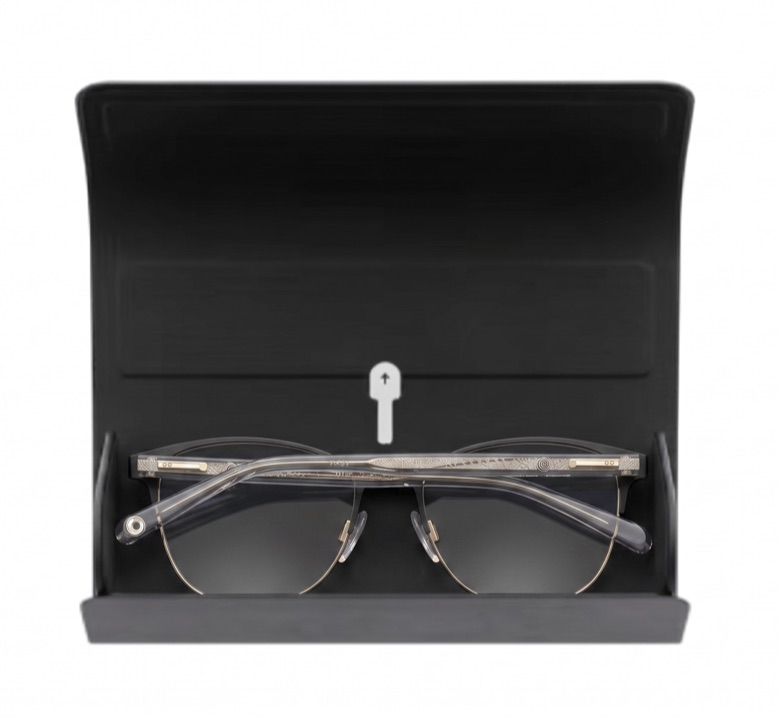
Aurio Smart glasses resting in their open charging case

Get your aids ready

  1. 1Make sure your glasses are in their case, plugged into a power source and nearby.
  2. 2Remove the protective tab. The LED on the glasses will pulse white when ready to pair.
  3. 3Leave the glasses inside the case to charge.